
WHY WE USE DIVI BUILDER?
Why we use Divi Builder in our Sales Advisor website?
The reason why we use Divi – because it is designed with beginners in mind. You don’t need any coding knowledge or design skills—just a willingness to experiment and have fun. The visual interface makes everything intuitive, so even if you’ve never built a website before, you’ll be able to create something professional-looking in no time.
In short, if you want to build a website without the technical side of things, Divi is your best friend. It’s simple and powerful to create a stunning site without any stress. Give it a try, and you’ll be amazed with the result.
Divi Theme Builder by Elegant Themes.
If you’re new to WordPress or website building, you might be thinking: What exactly is Divi Theme Builder, and how can it help me create a website? Well, let me explain it like this: Divi is a user-friendly tool that allows you to design your website visually. Instead of writing code or getting lost in complicated settings, Divi lets you see exactly what your website will look like as you build it. You can drag and drop sections, resize elements, and customize your design while working in real time. It’s perfect for beginners and requires zero tech skills.
1. DRAG-AND-DROP (WYSIWYG).
With Divi, designing a website is easy. Build visually drag-and-drop. Moving sections around the page. Want a header here? Add a text box there? Just drag it into place—no coding needed!

2. CUSTOMIZABLE ELEMENTS.
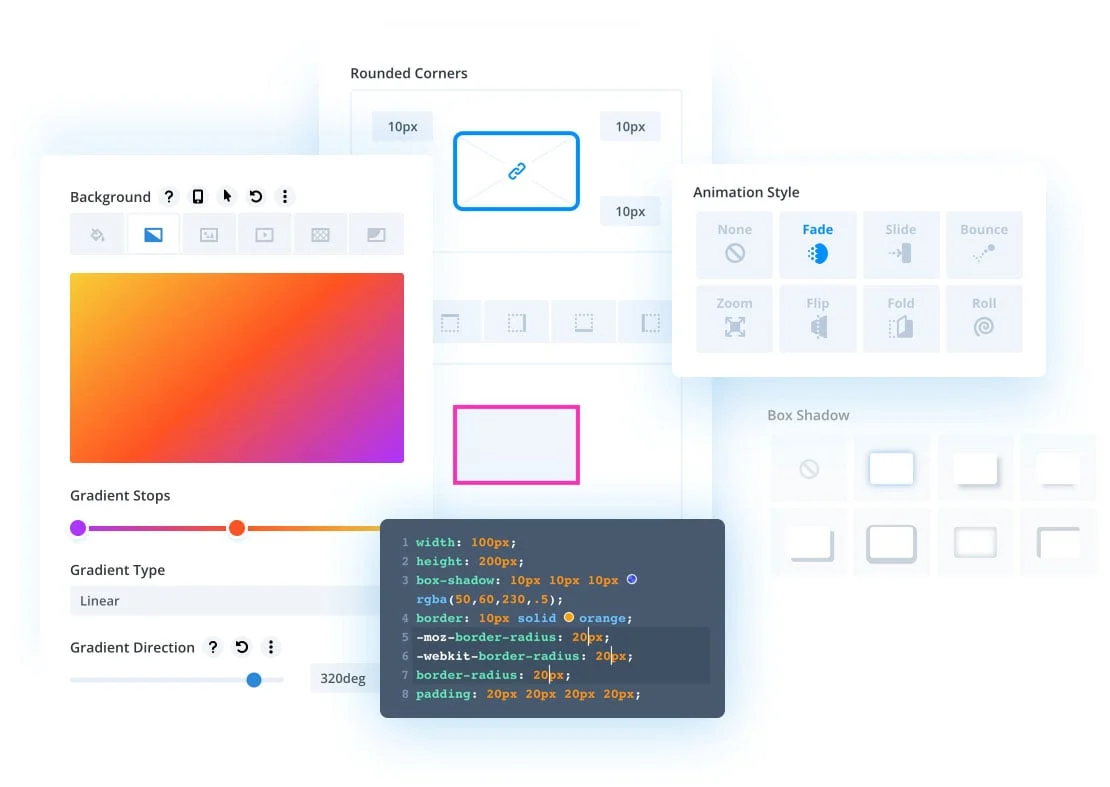
Every part of your website can be customized. Want to change the font, colours, or spacing? It’s all super easy with Divi. You can make your site look exactly how you want it, even without design experience.
3. RESPONSIVE DESIGN (MOBILE FRIENDLY).
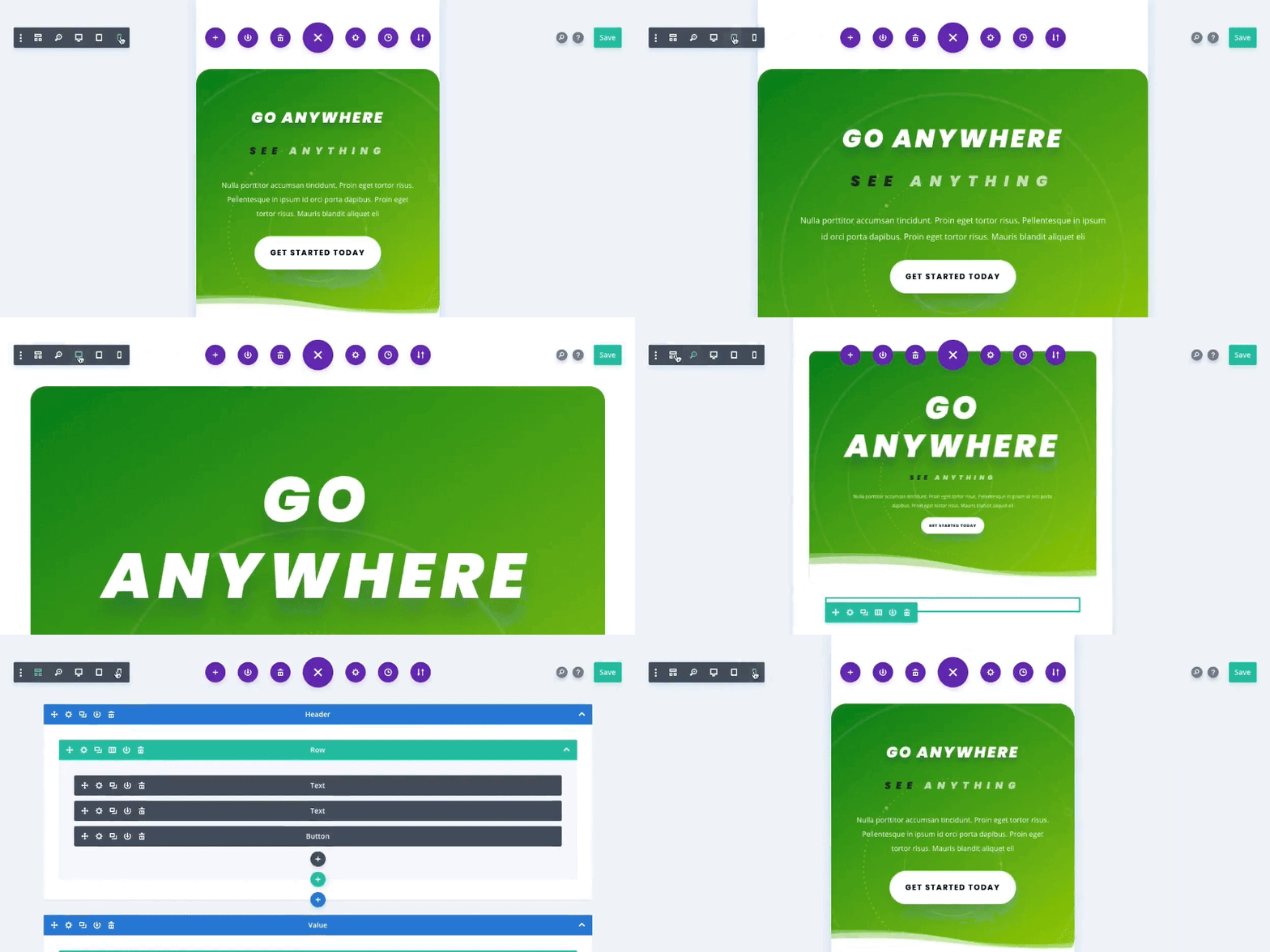
With Divi, your website automatically looks great on phones, tablets, and desktops. You can even tweak the design for different devices to have everything look perfect no matter where it’s viewed.
4. THEME BUILDER FOR FULL WEBSITE.
Divi isn’t just for individual pages—it lets you create templates for your website. You can design custom headers, footers, and layouts for different types of pages (like blogs or products) without touching a line of code.
5. SAVE AND REUSE DESIGNS.
Designed a section you love? Save it! Divi allows you to store section designs and use them on other pages, making it easy to keep your site consistent and save time.
Now that you have a better idea of what Divi can do, why not give it a spin? Once you start dragging, dropping, and tweaking, you’ll see how easy building your dream website can be!
ALSO LEARN FROM THESE TUTORIALS.

Setup First Google Ads Campaign.

Keyword Research with Google Keyword Planner.

Start Edit with Divi.

How to Edit Text in Divi?

How to Edit Text Colour in Divi?

How to Edit Background Colour in Divi?

How to Edit Gallery in Divi?

How to Edit Image in Divi?

How to Edit Social Media Icon in Divi?

How to Add Image in Divi?

How to Edit Image Slider in Divi?

How to Edit Button in Divi?
